


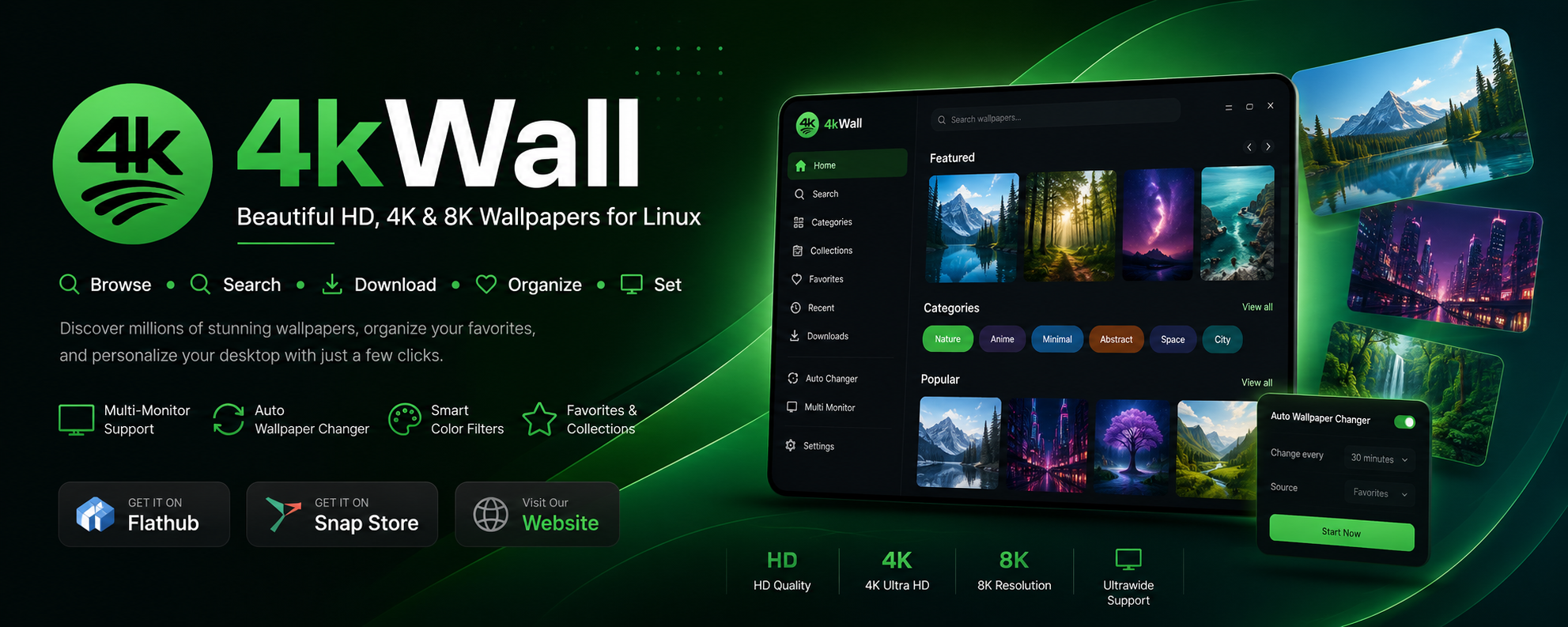
Download and install 4KWALL
Linux — Snap
sudo snap install 4kwallLinux — Flatpak
flatpak install flathub com.warlordsoftwares.wallpaper-app-4kwallLinux — AppImage (any distribution)
wget https://github.com/rishabh3354/4KWALL/releases/latest/download/4kWall-x86_64.AppImage
chmod +x 4kWall-x86_64.AppImage
./4kWall-x86_64.AppImage
Windows — WinGet
winget install WarlordSoftwares.4kwallWindows 10 and 11
Download 4kWall.exe from the latest release and run the installer.
Features
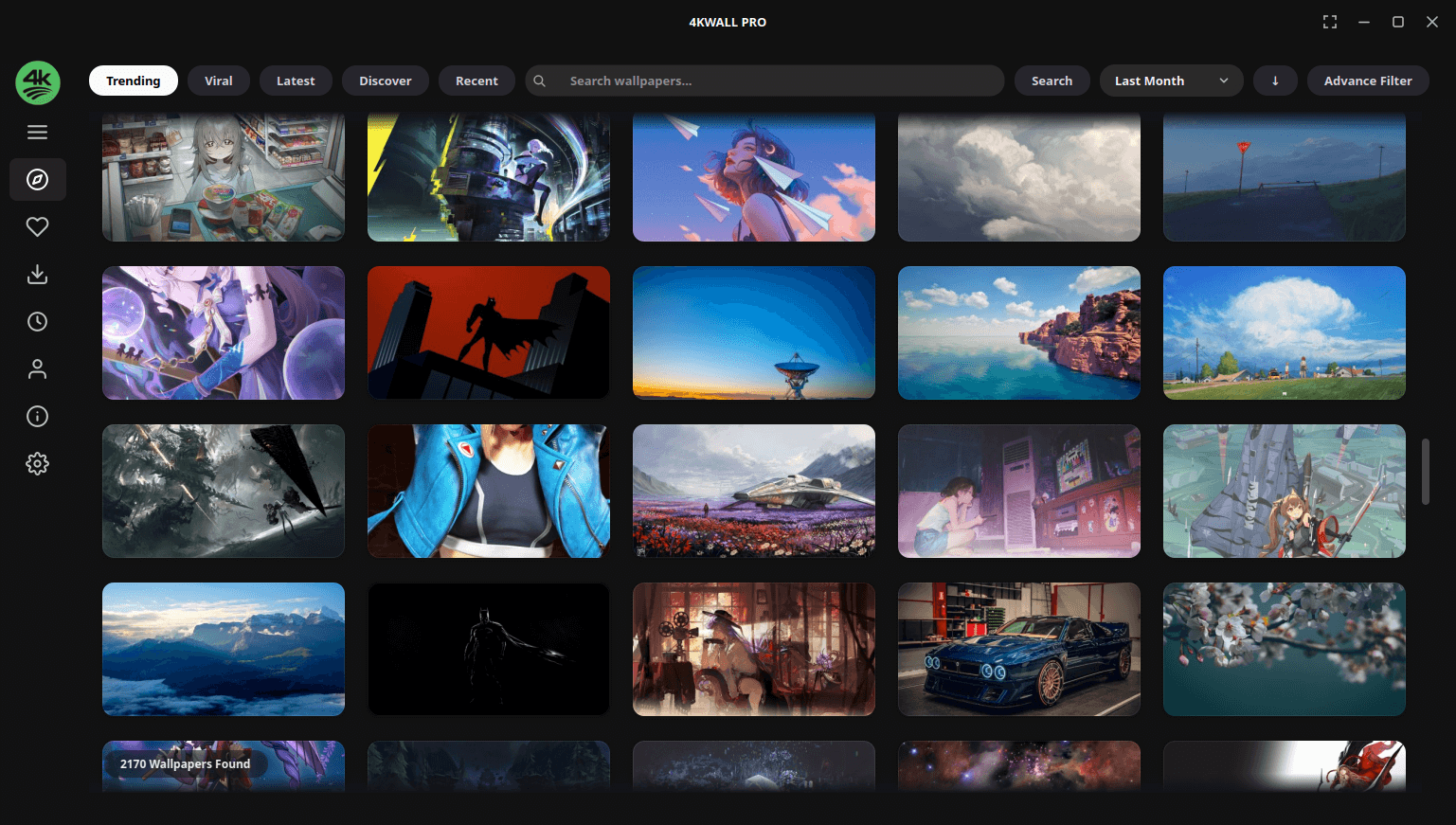
Millions of wallpapers, searchable
Browse a huge curated library of HD, 4K and 8K images without leaving the app.
Full-resolution downloads
Get the original file, not a resized thumbnail.
One-click apply
Set any image as your desktop wallpaper instantly.
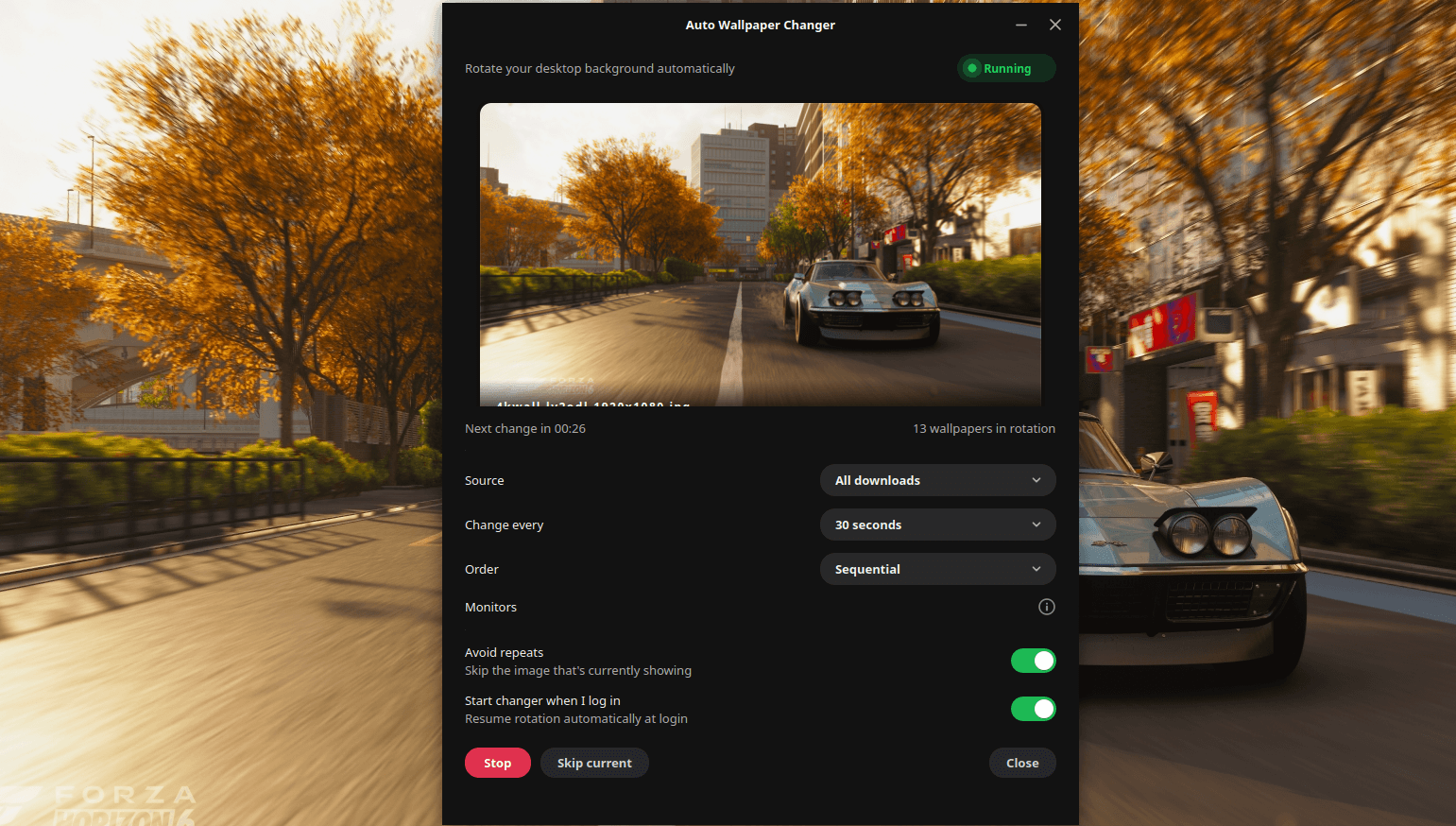
Auto wallpaper changer
Rotate on a timer — hourly, daily or your own interval — resuming automatically at login.
Different wallpaper per monitor
Give each display in a multi-monitor setup its own image.
Smart search and colour filters
Filter by keyword, category, resolution, aspect ratio and dominant colour.
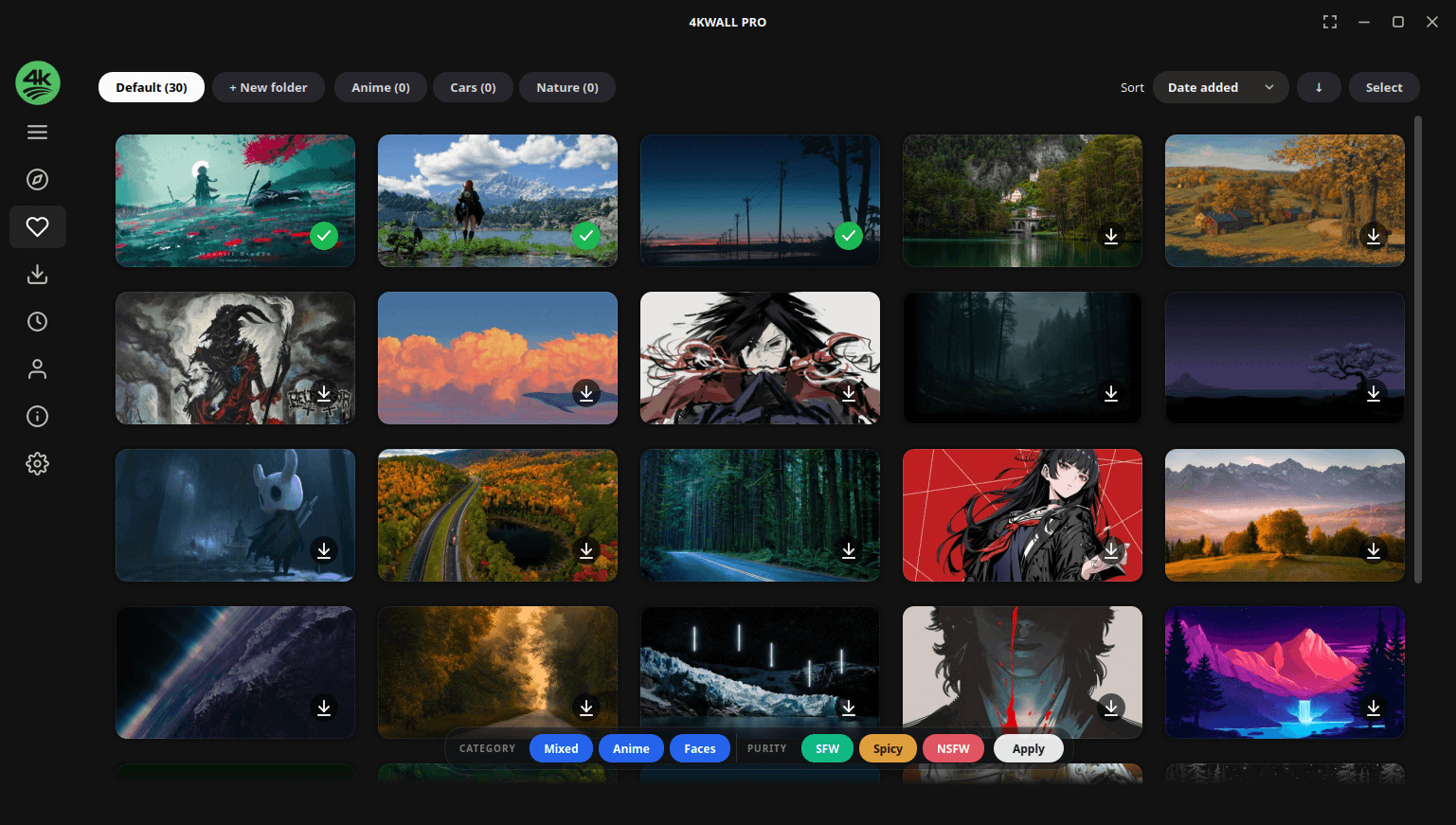
Favourite collections
Save and organise wallpapers into your own collections.
Ultrawide and high-DPI ready
Built for 21:9, 32:9, 1440p, 4K and 8K displays.
System tray integration
Change wallpapers without breaking your workflow.
No ads, no trackers
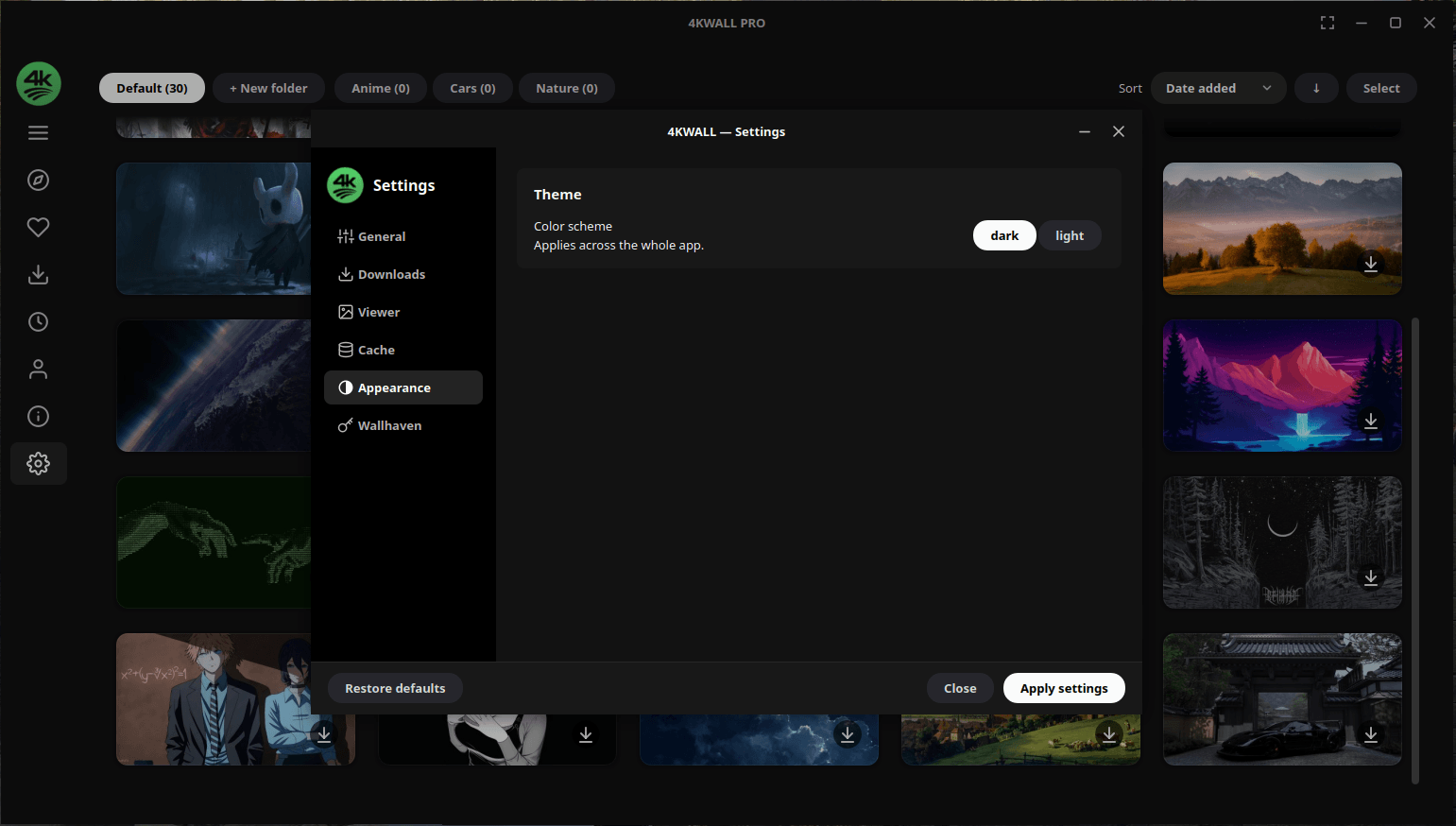
Clean, distraction-free, with both dark and light themes.
Desktop support
- Linux desktops
- GNOME · KDE Plasma · XFCE · Cinnamon · MATE · Budgie · LXQt
- Distributions
- Ubuntu · Debian · Fedora · Arch · Linux Mint · Pop!_OS · openSUSE · Manjaro
- Windows
- Windows 10 · Windows 11 (64-bit)
- Displays
- 1080p · 1440p · 4K · 8K · ultrawide 21:9 and 32:9 · multi-monitor
What you can do
| Task | What 4KWALL does |
|---|---|
| Find a 4K wallpaper | Filter the library by resolution and aspect ratio. |
| Change wallpaper automatically | Set a rotation interval and a source collection. |
| Set a different wallpaper per monitor | Assign images per display in a multi-monitor setup. |
| Find wallpapers by colour | Filter by dominant colour to match your theme. |
| Build a wallpaper collection | Favourite images and group them into collections. |
| Get an ultrawide wallpaper | Filter by 21:9 or 32:9 aspect ratio. |
| Match your desktop theme | Search by category — nature, minimal, abstract, anime, gaming, space, cars. |
| Download wallpapers in bulk | Queue a collection and save it locally. |
Screenshots
Frequently asked questions
Is 4KWALL free?
4KWALL is free to download and use. A one-time Pro upgrade unlocks the full feature set — there is no subscription.
Does 4KWALL work on GNOME and KDE Plasma?
Yes. It sets wallpapers on GNOME, KDE Plasma, XFCE, Cinnamon, MATE, Budgie and LXQt, plus Windows 10 and 11.
Can it change my wallpaper automatically?
Yes. Pick a collection and an interval and 4KWALL rotates your wallpaper on schedule, resuming automatically after you log in.
Does it support multiple monitors?
Yes. You can set a different wallpaper on each connected display, including mixed-resolution and ultrawide setups.
Are the wallpapers full resolution?
Yes. Downloads are the original full-resolution files, up to 8K.
Does it work on ultrawide monitors?
Yes. Filter by 21:9 or 32:9 aspect ratio to find wallpapers that fit without stretching or cropping.
Is 4KWALL a Wallpaper Engine alternative?
Partly. Wallpaper Engine specialises in animated and interactive wallpapers; 4KWALL focuses on high-resolution still wallpapers with search, collections, auto-rotation and multi-monitor support — and it runs natively on Linux.
Is 4KWALL open source?
No. 4KWALL is a proprietary desktop application. The GitHub repository hosts releases, packaging metadata and the issue tracker rather than the application source.
Other apps by Warlord Softwares
| App | What it does |
|---|---|
| FormatLab | Video & Audio Converter for Linux and Windows |
| 4KTUBE | YouTube Downloader for Linux and Windows |
| DL-YouTube | Media Downloader for 1400+ Sites |
| TUBE2GO | One-Click YouTube Downloader with System Monitor |
| JPEG2PDF | Image to PDF Converter for Linux |
| PDF2OCR | OCR for Scanned PDFs and Images on Linux |