


Download and install FormatLab
Linux — Snap
sudo snap install formatlabLinux — Flatpak
flatpak install flathub com.warlordsoftwares.formatlabLinux — AppImage (any distribution)
wget https://github.com/rishabh3354/FORMAT_LAB/releases/latest/download/FormatLab-x86_64.AppImage
chmod +x FormatLab-x86_64.AppImage
./FormatLab-x86_64.AppImage
Windows 10 and 11
Download FORMAT_LAB.exe from the latest release and run the installer.
Features
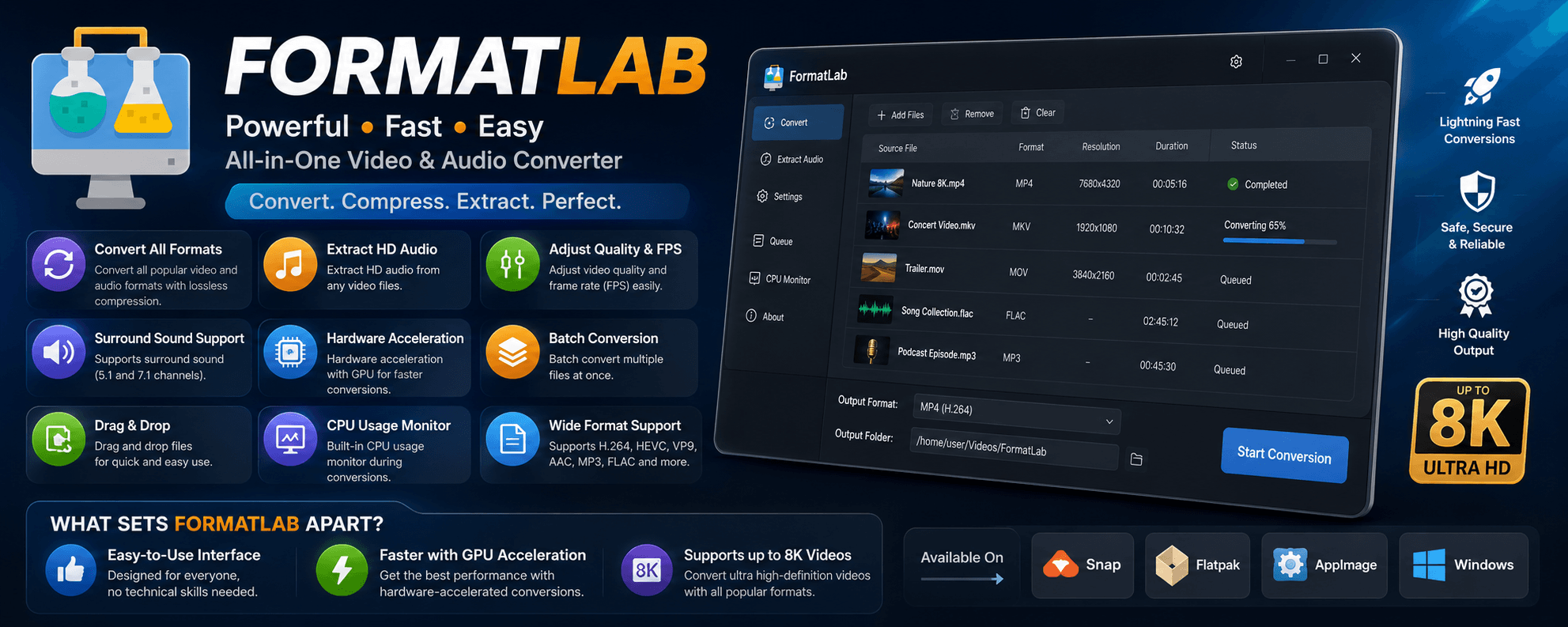
Every popular format
MP4, MKV, MOV, AVI, WebM, MP3, FLAC, WAV, AAC and 30+ more, with modern widely supported codecs.
GPU acceleration
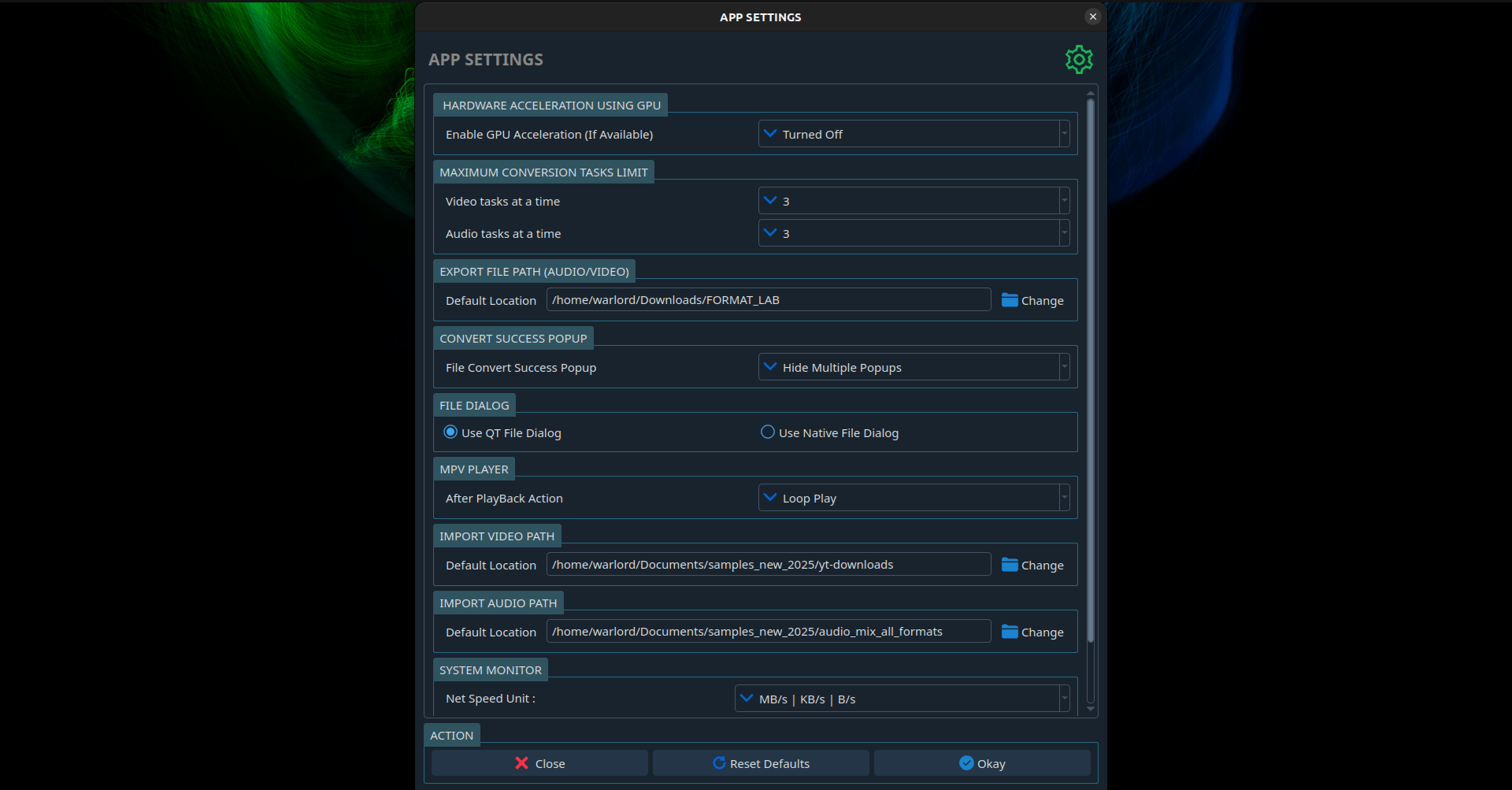
NVIDIA, AMD and Intel hardware encoding makes large conversions dramatically faster than CPU-only tools.
Batch conversion
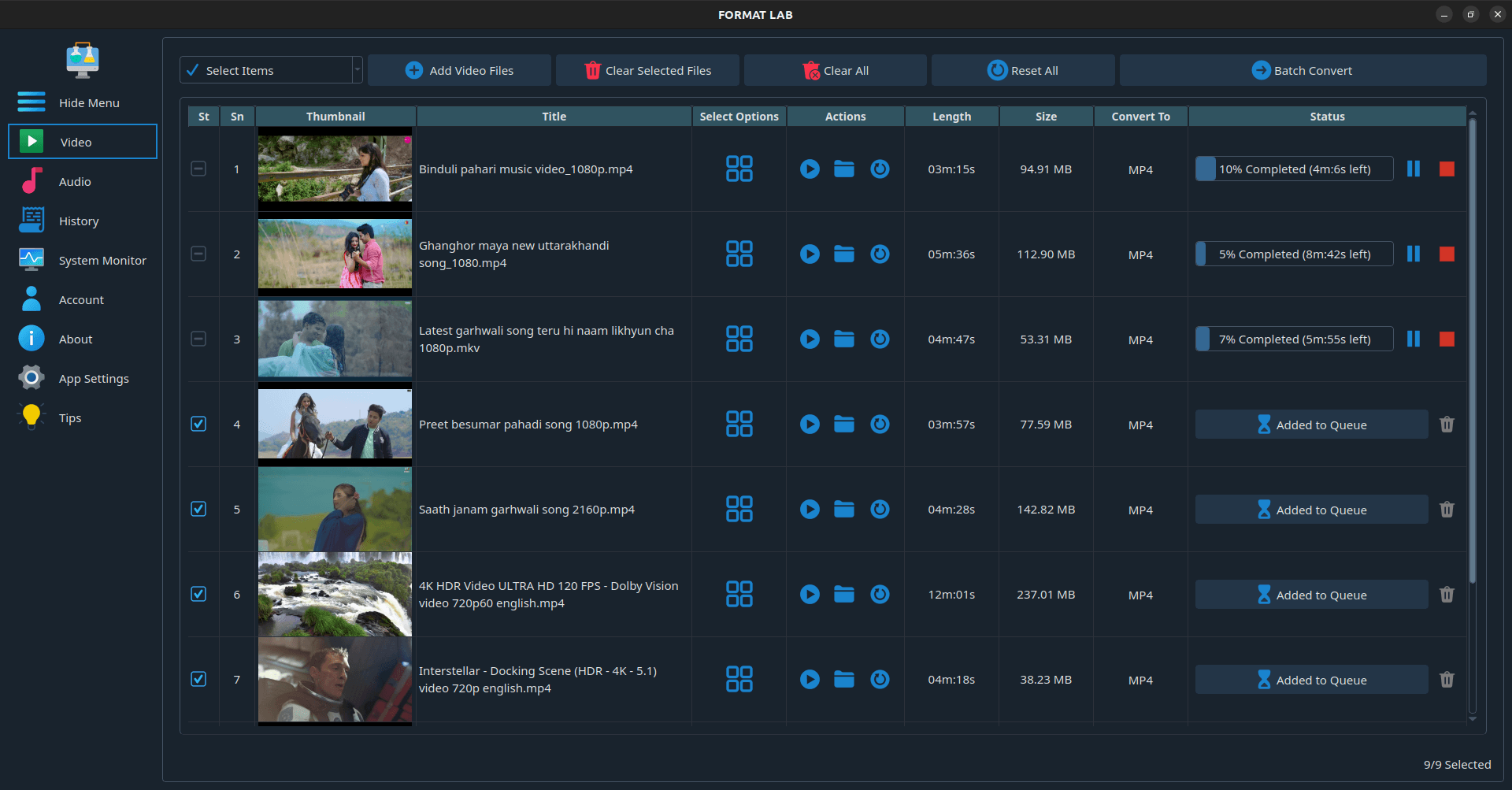
Queue a whole folder, set the output format once and convert everything in one run.
Extract audio
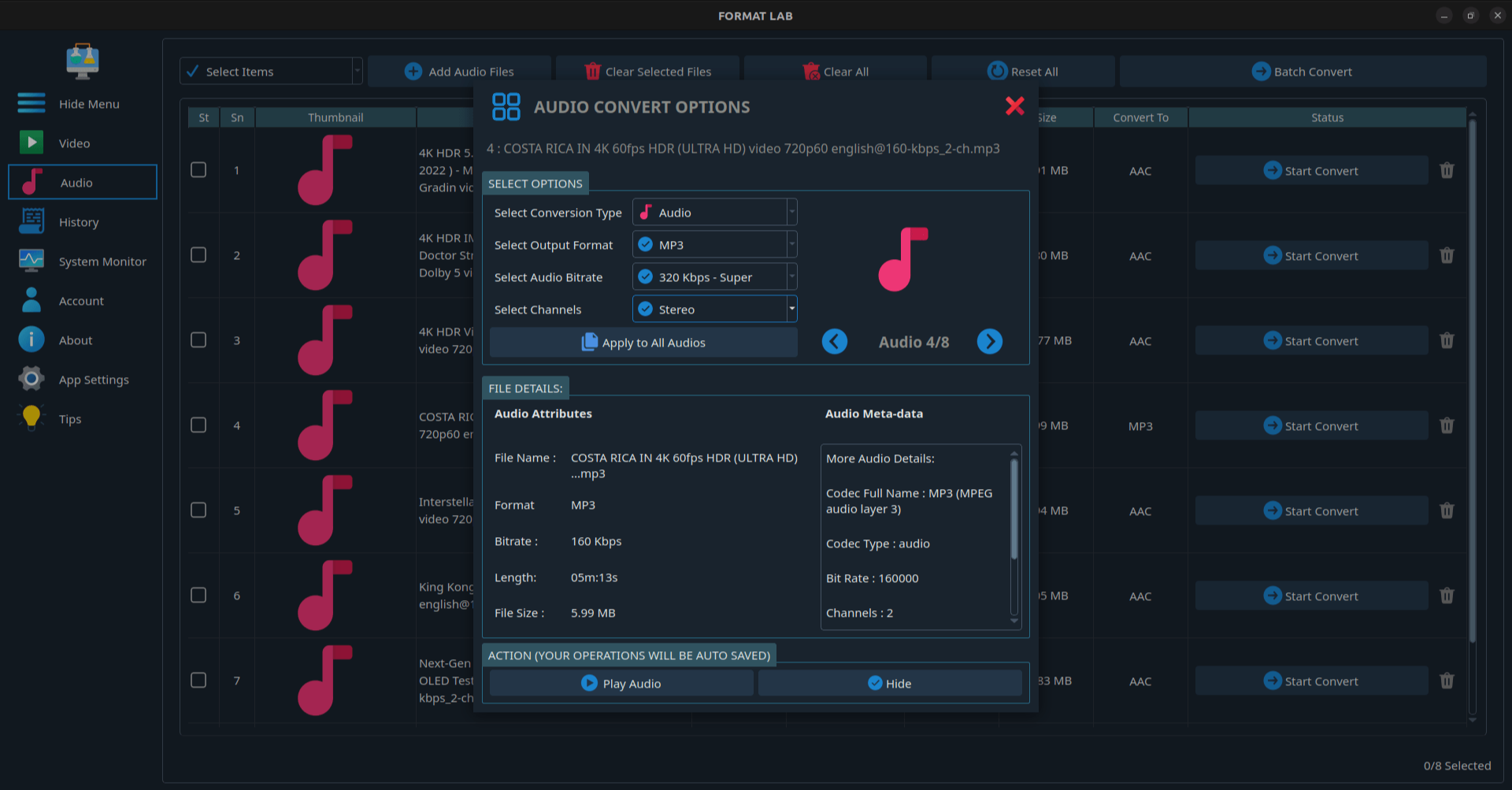
Pull a clean MP3, FLAC, WAV or Opus track out of any MP4, MKV or MOV file.
Compress without wrecking quality
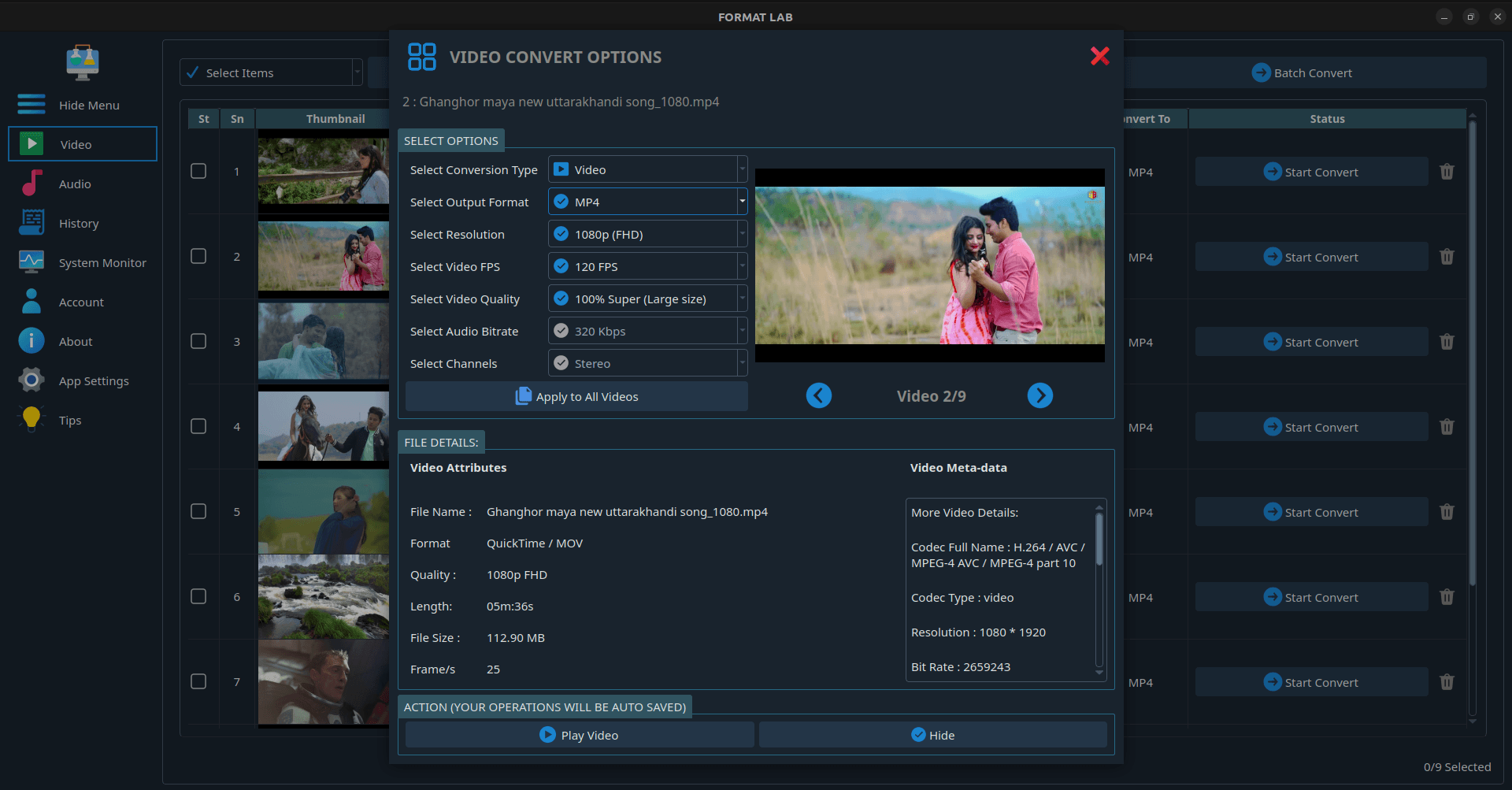
Control bitrate, CRF quality, resolution and frame rate to hit a target file size.
Up to 8K, surround intact
Handles UHD and high-frame-rate sources, and preserves 5.1 and 7.1 audio instead of downmixing.
Fully offline
Files never leave your computer, unlike browser-based converters with upload limits.
No ads, no watermarks
No advertising, no tracking, no output watermark.
Supported formats
- Video
- MP4 · MKV · MOV · AVI · WebM · WMV · FLV · MPEG · MPG · M2TS · 3GP · VOB · TS · OGV · F4V · MXF · ASF · HEVC · M2V · MTS · WTV
- Audio
- MP3 · AAC · WAV · FLAC · M4A · OGG · WMA · Opus · AIFF · DTS · AC3 · MP2 · VOC · RA · TTA · WV · CAF · M4R
- Video codecs
- H.264 / AVC · H.265 / HEVC · VP9 · MPEG-4 · MPEG-2
- Audio codecs
- AAC · MP3 · FLAC · Opus · Vorbis · AC3 · PCM
Common conversions
| Task | What FormatLab does |
|---|---|
| Convert MKV to MP4 | Remux or re-encode MKV into a universally playable MP4. |
| Convert video to MP3 | Extract the audio track and save it as high-bitrate MP3. |
| Convert MOV to MP4 | Turn iPhone and camera MOV files into shareable MP4. |
| Convert MP4 to HEVC | Cut file size roughly in half at the same visual quality. |
| Convert FLAC to MP3 | Shrink a lossless library for phones and car stereos. |
| Compress a 4K video | Lower bitrate, resolution or frame rate to hit a target size. |
| Change frame rate | Convert 60fps to 30fps or match a project timeline. |
| Convert a whole folder | Batch queue every file and run them back to back. |
Screenshots
Frequently asked questions
Is FormatLab free?
FormatLab is free to download and use for everyday conversions. A one-time Pro upgrade unlocks unlimited batch queues and the full feature set — there is no subscription.
Does FormatLab upload my files anywhere?
No. All conversion happens locally with FFmpeg on your own machine. There is no upload, no file-size cap and no server-side queue, so it works offline and with confidential footage.
Does FormatLab work on Ubuntu, Fedora and Arch?
Yes. Install it as a Snap, a Flatpak from Flathub, or a portable AppImage that runs on essentially any modern Linux distribution.
Can it convert 4K and 8K video?
Yes. FormatLab handles sources up to 8K, and GPU acceleration keeps large UHD encodes practical.
Can it convert multiple files at once?
Yes. Drag in a whole folder, set the output format once, and FormatLab converts the entire queue.
Does it keep 5.1 or 7.1 surround sound?
Yes. Multi-channel audio is preserved rather than downmixed to stereo.
Does converting lose quality?
Any lossy re-encode loses some quality. FormatLab exposes bitrate and quality controls so you can stay visually lossless, and format-only changes such as MKV to MP4 can often be done without re-encoding the video stream.
Is FormatLab open source?
No. FormatLab is a proprietary desktop application built on FFmpeg. The GitHub repository hosts releases, packaging metadata and the issue tracker rather than the application source.